Productive Software That I Like
Here are 4 productivity tools I use almost every single day. I may share some other real-life gizmos in the future, but today, we're focusing on software.
Kinopio
Life is hard and complicated, and trying to approach difficult problems with nothing but a human brain is hubris. The result is often a mess. Some may type out every element, detail, and nuance into a word-based app and try to figure things out from there. Fools. (At least I am.) If the thing you're trying to tackle can be neatly organized into words, then maybe it wasn't that complicated to begin with.
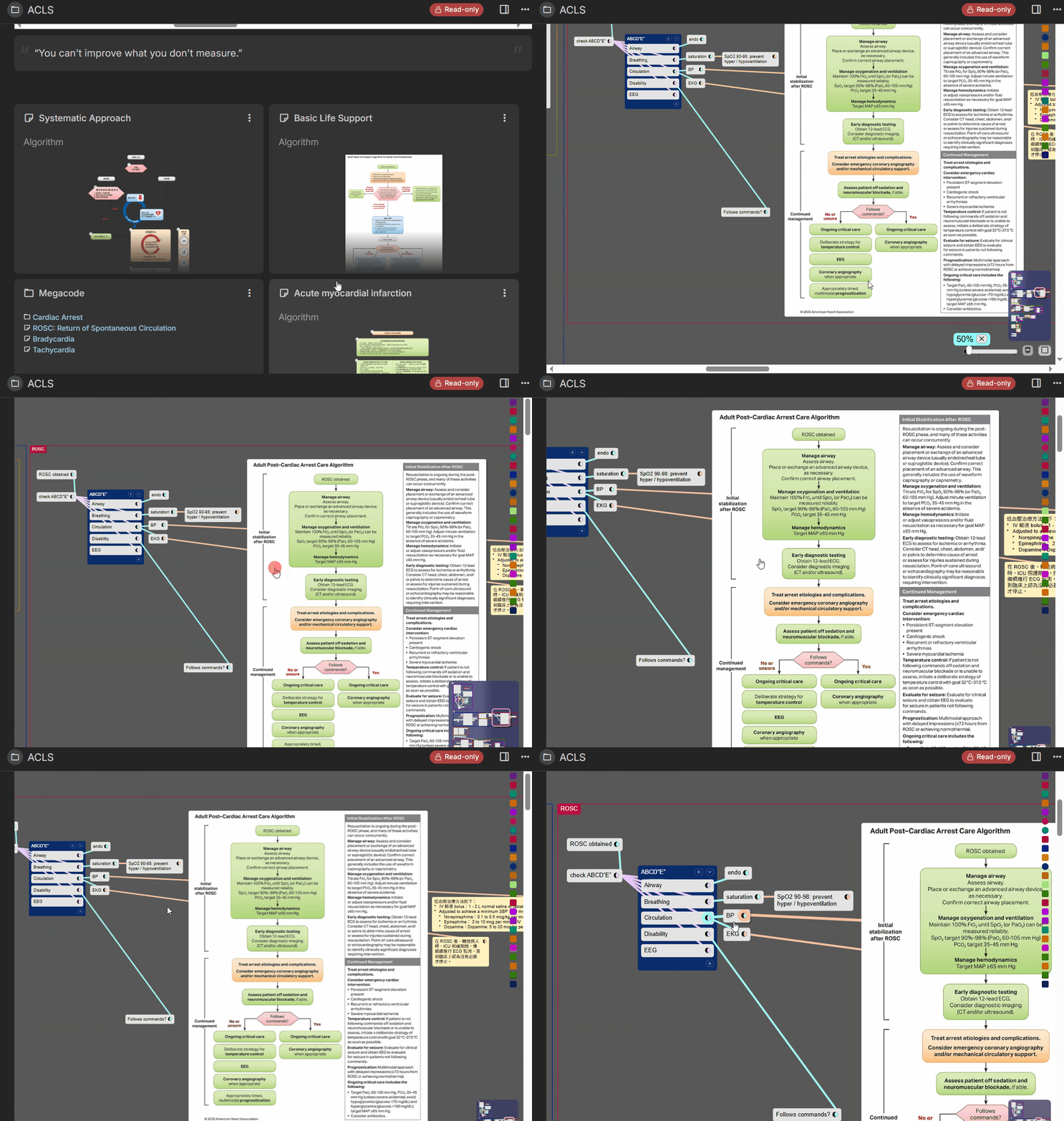
Kinopio is an infinite canvas that supports text, code, pictures, videos, and all kinds of documents. It gives me a bird's-eye view that I can't go back from. Connecting the dots and figuring things out as a project develops just feels organic and “right”. It is like the best way for brain to process information. Thoughts and ideas emerge with far less friction when I can move them around spatially instead of forcing everything into a linear document. It's like having proprioception for information.
Kinopio isn't free and open-source software (FOSS), but I have faith in its solo developer, Piri. Beyond the software itself, interacting with Piri has given me a real appreciation for the philosophy behind it. In an age of subscription-based enshittification, his approach surprisingly refreshing (and old school at the same time).
Kinopio may look messy at first, but such is life. It is the perfect tool for conceptualizing, brainstroming, trip planning, storyboarding and more.
Trilium
Once you get the big picture from Kinopio, you still need a binder to hold all the details together. Trilium is perfect for this role. It is primarily a text-based note-taking app, but you can embed practically anything into it: code, pictures, and PDFs to videos and websites. Yes, you can even embed Kinopio. I was a long-time OneNote user, and Trilium feels like OneNote on crack. Period. Even better, it's free and open-source, with active development and constant updates.
Trilium uses a WYSIWYG editor, which is kinda rare in the open-source world these days. It also supports Markdown for the freaks who love staring at unrendered gibberish while taking notes.
I hate Markdown.
I'm not going to type a bunch of punctuation just to change the color of my words.
And while I'm aware that Joplin has all kinds of QoL plugins, all they really do is mimic the basic functionality of a WYSIWYG editor and turn your Markdown files into HTML. And Markdown tables suck ass.I digress.
If you can self-host and can tolerate Trilium's still-in-its-infancy mobile port, I think it's one of the best note-taking apps out there.
Anki
I hate it.
But what's the use of a robust second brain if your actual brain is atrophying?
Will write a turtorial if you guys are interested.
Readest
The best EPUB reader out there. And it is Free and Open-Source.
Thank you for reading my slander against Markdown disguised as a productivity tool review.